Bookkeepers and accounting firms: how to exchange tax and accounting files with clients securely
Written in 2026/10/30Every month-end close and every tax season, the busiest part of an accounting firm often isn't doing the books — it's collecting documents. Clients send bankbook photos over LINE, withholding slips and ID copies over email, and files end up scattered across every staff member's phone, inbox and computer. Which is the latest version, who has seen it, was it sent to the right person — nothing goes wrong on ordinary days, but the day something does, there's no record to be found.
1. The real leaks usually aren't hacker attacks. LINE files expire and become un retrievable after a while; email attachments, once sent, are out of control — who the recipient forwards them to, you'll never know; and a shared cloud folder with poorly separated permissions can let client A see client B's data. None of this is sophisticated attack — it's just daily habit, and clients' ID numbers, income and bank accounts happen to be the most sensitive category of personal data under the law.
2. This is actually a regulatory requirement, not just a convenience question. Under Article 27 of the Personal Data Protection Act and the Security Maintenance Regulations for Personal Data Files of Bookkeepers and Tax Filing Agents, firms must establish a personal data file security maintenance plan. The association's reference template is concrete: set different usage permissions according to each employee's duties, reviewed at least annually; each person uses their own dedicated account, no sharing; system usage logs and trails must be retained for at least five years; when employees leave, handover must be completed and departed staff may no longer use client data. In other words, the tools a firm uses to exchange documents with clients are themselves part of this plan — and are auditable.
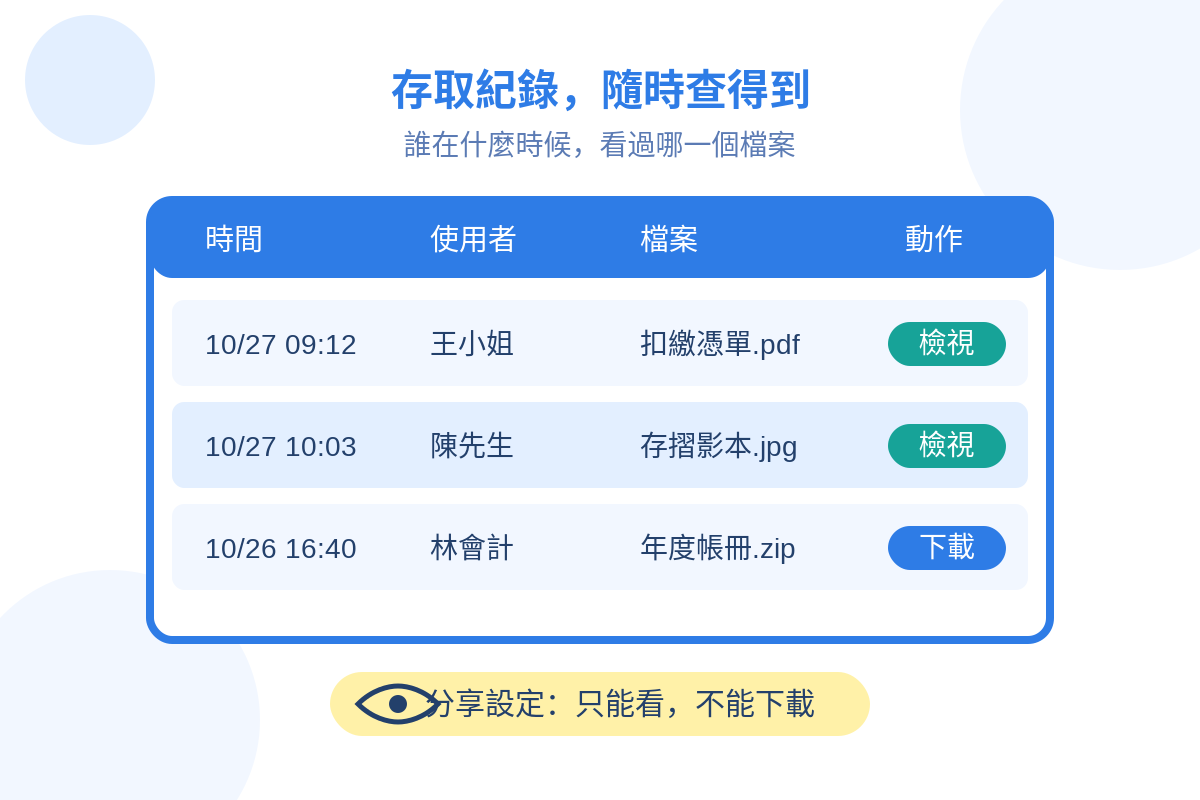
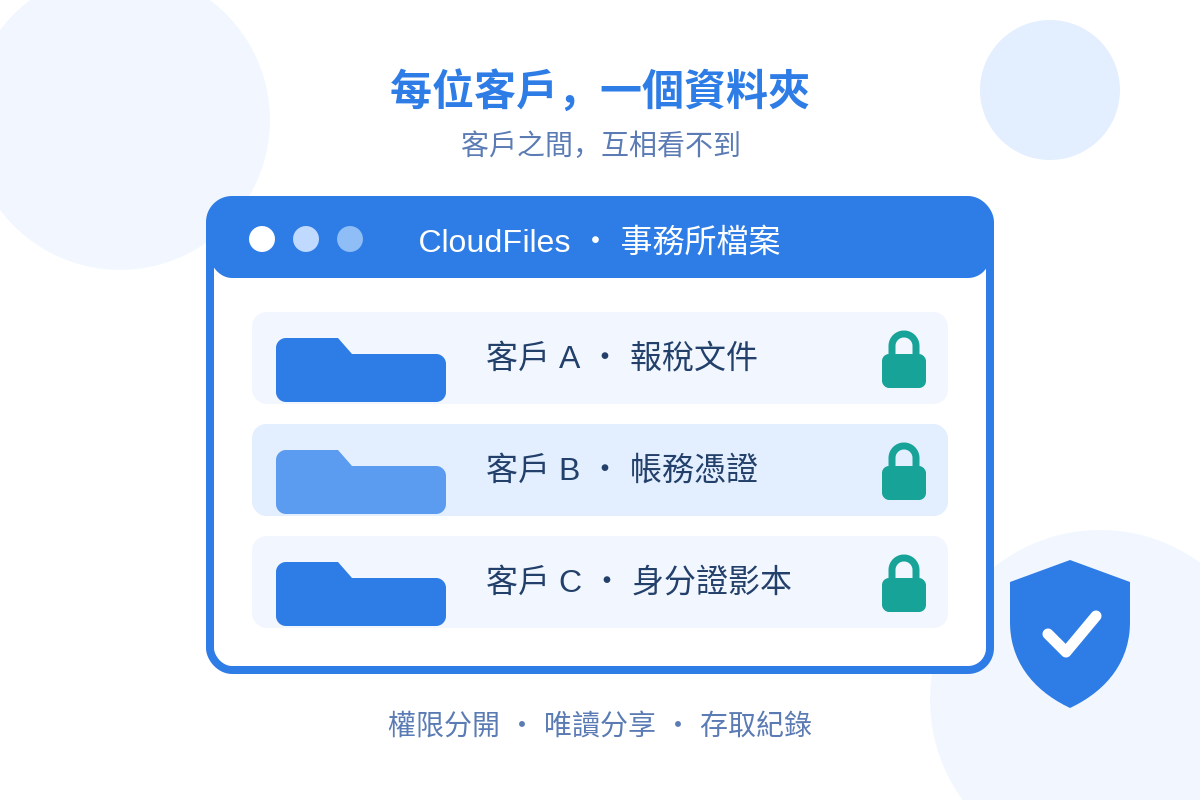
3. The method isn't complicated — the point is replacing habits. First, one folder per client, permissions opened only to the handler and the client themselves; clients can't see each other. Second, documents going to clients or banks use view-only, no-download sharing: they view it and it's done, the file never leaves your space, and access is revoked when the engagement ends. Third, keep access logs: who viewed or downloaded which file, when — always queryable, so you can produce evidence if a client or authority asks. Fourth, when staff leave or change roles, revoke their account permissions directly — don't rely on he probably won't misuse it trust. And for the big batches of scanned vouchers and accounting files clients send at once: single files up to 5GB with resumable upload, so tax season doesn't jam at the upload step.
4. The cost must also be calculable. Overseas firm-focused document exchange tools mostly charge per-seat monthly fees — roughly US$25-55 per user per month. Add one temp during peak season, or open one account for a client's accountant, and the bill climbs again; meanwhile a firm's client count keeps changing, making this bill nearly impossible to estimate. CloudFiles uses a fixed annual fee from NT$3,000 a year with unlimited users: add as many staff, temps and client contacts as you like; you know the whole year's cost at the start of the year, and it doesn't rise because tax season got busier.
Start with one or two clients and switch how you send files; after one billing or tax cycle, you'll know whether it suits your firm.