Your backup is done — but who is allowed to delete it?
Written in 2026/11/07In October 2026, Japanese cloud provider IDC Frontier was hit by a ransomware attack affecting 495 companies and local governments. What unsettled people most wasn't the encryption itself: only customers who had previously used the snapshot feature could recover backups from snapshots; everyone else had to rebuild from backups they'd kept independently. The attacker claimed to have deleted over 550,000 snapshots — unverified, but it raises the question every company doing backups should ask: who can delete your backup?
1. Backups have long since become the attacker's first target. QNAP's 2026 Taiwan Enterprise Cyber-Resilience Survey polled 241 Taiwanese companies: 78% have established off-site backups, but overall, 53% of backups remain connected to the network around the clock — and when the highest-privilege account is compromised, there's no guarantee backups won't be deleted. Another survey of ransomware-hit companies found 94% of victims said attackers attempted to destroy backups; companies whose backups were destroyed paid ransom at nearly twice the rate of those whose backups survived. To the attacker, your backup isn't your retreat — it's the target to clear before starting the encryption. We covered the basic rules in How do I back up company data safely? What is the 3-2-1 backup rule?; this article covers the half those rules don't: protecting the backup itself.
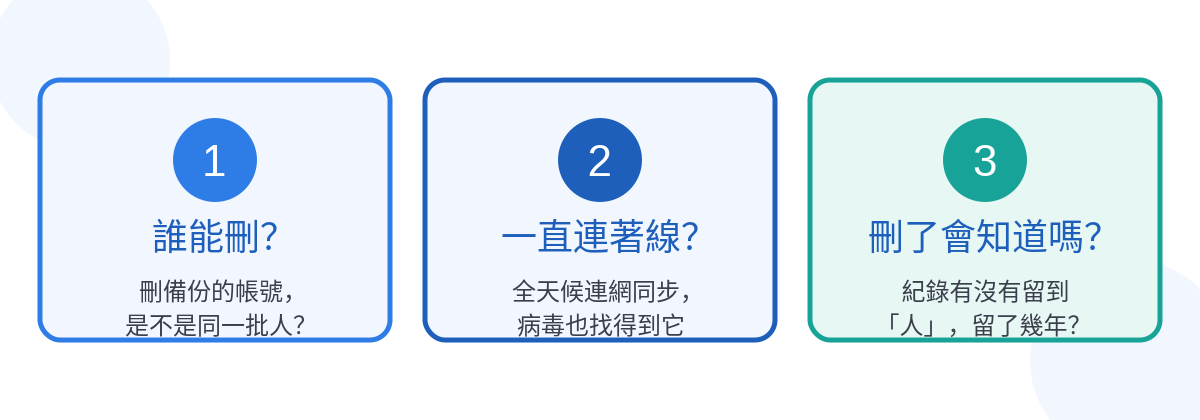
2. Ask yourself three questions. First, who can delete? If the same set of highest-privilege accounts manages both backups and production data, an attacker who takes those credentials wipes out both. Second, is the backup always online? A backup connected 24/7 and auto-syncing is findable and deletable by ransomware; copies with different permissions and different locations aren't on the same attack path. Third, would you even know it was deleted? If access logs record an account but not a person — or aren't kept at all — afterwards you can't even find out who touched it.
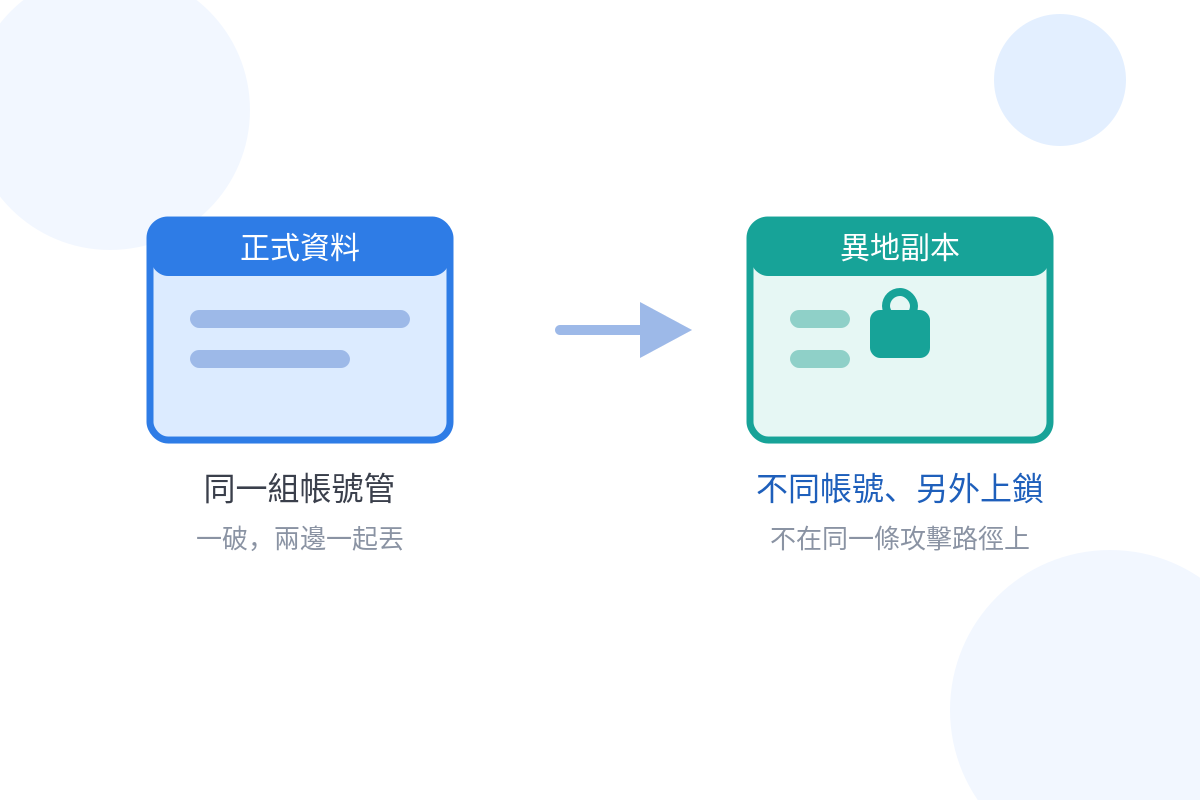
3. An off-site copy must satisfy three conditions: separated permissions, separated location, logs to the person. Separated permissions: the accounts managing backups must not be the same people, the same passwords, as those managing production data. Separated location: the copy isn't on the same machine or intranet, and its admin accounts are separate too. Logs to the person: when something happens, you can find who viewed, downloaded or deleted which file, when. CloudFiles on these three points: folder permissions set separately; access logs kept five years and recorded to the person; plus first-line IP restrictions and OTP beyond passwords — covered in Japanese security incidents keep mounting: is it really safe to keep company files in the office?: keep people outside the door first, and the backup accounts aren't easily compromised along with everything else.
An honest caveat: CloudFiles is not automatic backup software — it won't schedule backups of your NAS data for you. Its role is that permission-separated, location-separated off-site copy: you place another copy of your most important folders in the cloud, managed with different accounts and folder permissions, so when production data is hit, this copy isn't on the same breached path. If you need fully automated scheduled backups, use a dedicated backup tool for that layer and treat CloudFiles as the off-site copy.
Start with your most important folder: CloudFiles offers a one-month free trial, annual fee, unlimited users. During the trial, place a copy of your key folders in the cloud, set folder permissions, enable IP restrictions — and personally confirm one thing: the accounts that can touch the backup are not the same people who manage production data.