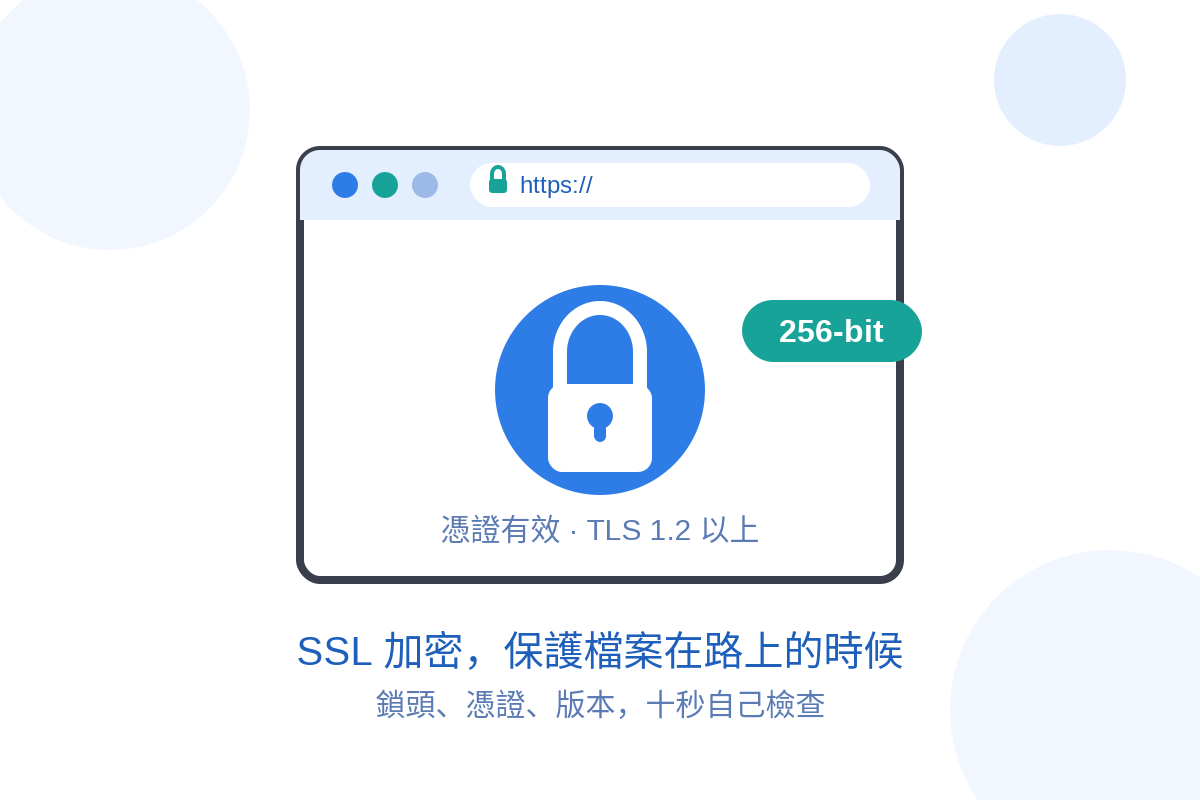
What is SSL encryption? 256-bit, TLS and AES explained in one read
Written in 2026/10/28When you choose cloud storage or a file-transfer service, the spec sheet almost always has a line reading “SSL 256-bit encryption”. Stare at that line long enough and it feels familiar — but if someone actually asks: what is SSL? What does 256-bit mean? Why do some services add a second line, AES 256-bit? Most people can't answer. This post takes the three terms apart, once and for all. We wrote a basic introduction earlier: What are SSL 256-bit and AES 256-bit encryption, and why does file transfer need encryption? — this post goes on from there into the details and how to check them.
First, a fact often skipped: SSL and TLS are not the same thing. SSL is the older transport-encryption protocol, long since replaced by its successor TLS (Transport Layer Security); every https site you connect to today uses TLS. Search results and spec sheets still say SSL because the name took root as a catch-all for transport encryption. So the correct reading of SSL 256-bit is: transport over TLS, with 256-bit key length.
So what does 256-bit refer to? The length of the encryption key. The more bits, the exponentially more combinations a brute-force attack must try — 256-bit combinations are so vast that enumerating them with current computing power is impractical; it's the grade banks and governments use. Simply put, 256-bit is the accepted commercially-secure standard length. Note however that it describes how strong the lock is, not whether the lock was fitted in the right place — which leads to the next, most confused question.
SSL and AES are both written 256-bit — same encryption? No. SSL/TLS encrypts data in transit — the path from your computer to the server. AES encrypts data at rest — while the file sits on the server's disk. Both use 256-bit keys, but they protect different stages: without TLS en route, files can be intercepted; without AES at rest, a stolen disk can be read. A complete service has both — and when choosing one, confirm the two lines separately. We explain how the two work together in Transport encryption and storage encryption, understood in ten minutes.
Transport encryption also needs a certificate. Issued by a Certificate Authority (CA), the certificate proves you are really connected to this company — click the padlock in your browser's address bar and you'll see it: issuer, expiry date, supported protocol versions. Free and paid certificates differ not in encryption strength but in verification level: free ones verify domain ownership only; paid ones can do organisation verification and indemnity. For users, what matters is a valid, unexpired certificate issued to the correct domain.
How do you confirm a service is really encrypted? Three actions, ten seconds. First, check the URL starts with https and the address bar shows a padlock. Second, click the padlock to inspect the certificate — issuer, expiry date, protocol versions are all inside. Third, make sure it's https all the way: some services encrypt only the login page while the actual file-transfer pages are not — that stretch is running naked.
One more often-ignored detail: version. TLS 1.0 and 1.1 have been retired by major browsers because their encryption methods proved weak; the current security floor is TLS 1.2, with 1.3 the newest — faster handshakes and stronger security. When choosing a service, rather than checking whether it says SSL, confirm it supports TLS 1.2 or above — vendors who can state the version usually maintain things more seriously.
FAQ
Q: Is 256-bit encryption still secure today?
A: Yes. Real-world data breaches are usually not encryption being cracked, but accounts being stolen — so beyond encryption, account and permission management matter just as much (further reading: Security, part 1: why should your cloud storage have IP restrictions?).
Q: What happens when an SSL certificate expires?
A: The browser shows a warning and the connection is no longer trusted. For a business, it's like hanging a “this site is not secure” sign on your own door. If a service's certificate has expired, don't send it important files yet.
Q: When I send files to clients, do I need this kind of encryption too?
A: Yes — and it's often the weakest link. Send a file by email attachment or chat app, and once it leaves your control there's no encryption and no record to manage. Sharing through cloud storage with TLS transport encryption, settable permissions and retained access logs is the complete approach.
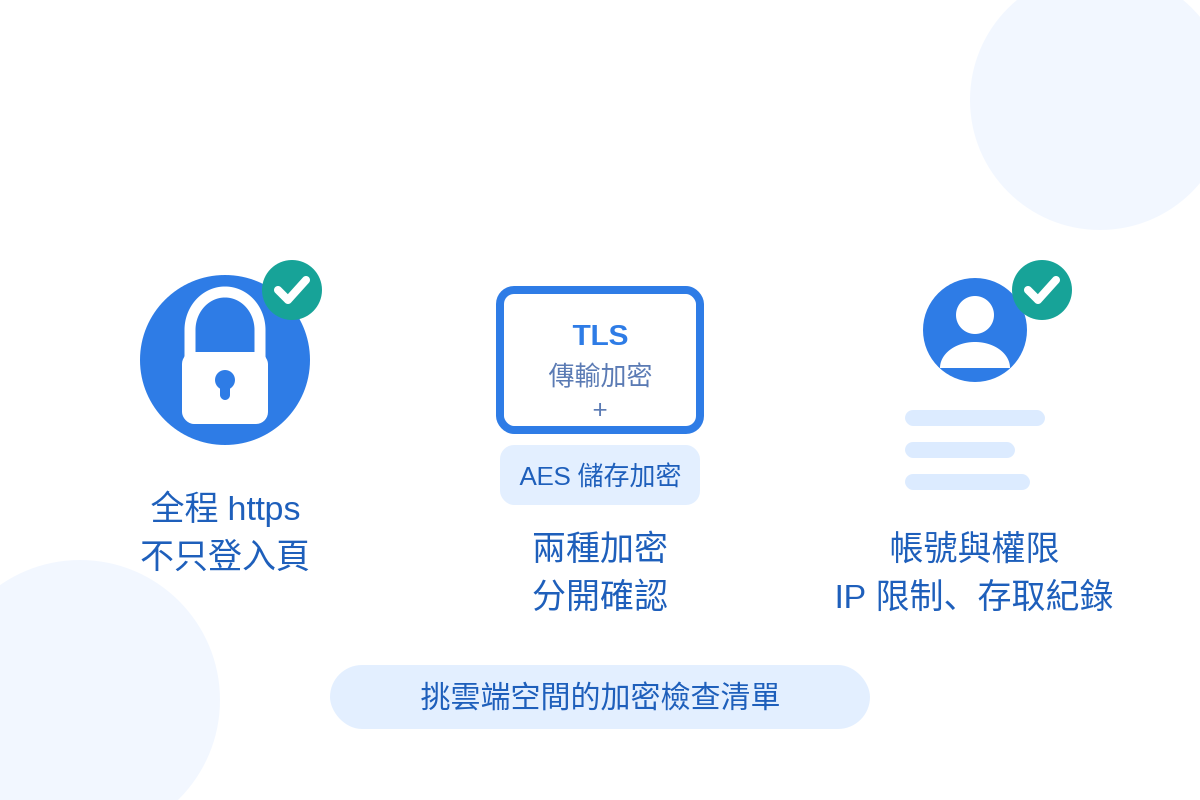
Condensed into a checklist for choosing a service: https throughout, not just on the login page; TLS 1.2 or above supported; a valid certificate issued by a proper CA; a spec sheet that lists transport encryption and storage encryption separately; and, beyond encryption, account and permission management (IP restrictions, tiered permissions, access logs). Only when all five are in place are your files truly locked — both on the road and in the warehouse.
The surest way to know whether a service's encryption is real is to try it once yourself. CloudFiles uses SSL/TLS encryption throughout transfer and AES 256-bit encryption at rest, on a flat annual fee with unlimited users. Start with a free one-month trial: upload and download a file, and check the padlock and certificate with your own eyes against this post's checklist.