Enabling MFA on company cloud accounts: the five spots people get stuck
Written in 2026/11/10In late October 2026, Taiwan's TDCC (Taiwan Depository & Clearing Corporation) announced that eSMART, the core system for securities book-entry transfers, has introduced two-factor authentication (2FA). When even the back office of market settlement is adding a second lock — for ordinary companies, MFA stopped being a big-enterprise luxury long ago. Enabling MFA in CloudFiles takes minutes: Settings menu > MFA OTP > choose App OTP > scan the QR code with an authenticator app > enter the 6-digit code shown on your phone > Save. Don't want an app? Choose Email OTP and save — done. What actually trips people up are the five things after enabling.
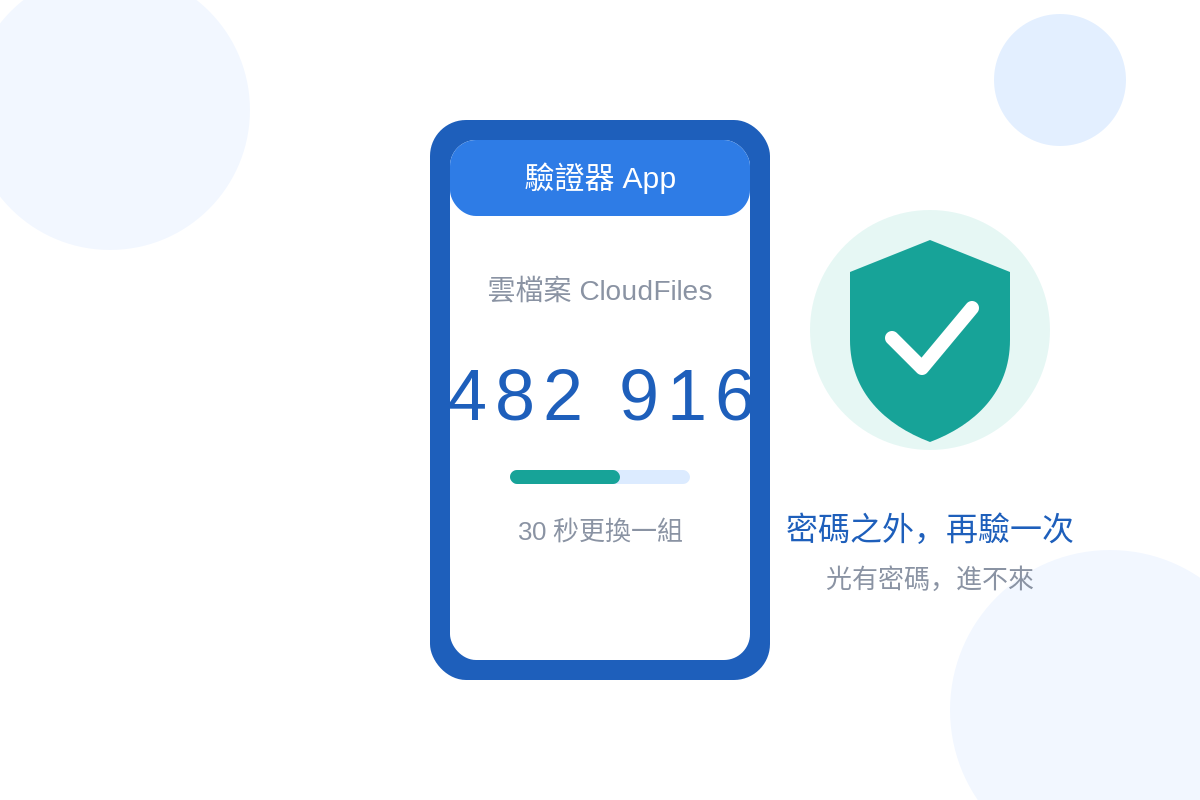
1. Choosing the wrong verification method: App OTP or Email OTP? CloudFiles offers two kinds of MFA. App OTP uses an authenticator app on your phone to generate 6-digit codes that rotate every 30 seconds — no waiting for mail, no dependence on mobile reception. Email OTP sends the code to your mailbox, which you then enter at login. The official recommendation is App OTP, for a simple reason: Email OTP hands the second door's key to your mailbox — if the mailbox is stolen or mail is delayed, login jams. Recommended practice: App OTP for everyday logins; Email OTP only for accounts without a smartphone.
2. Scanned the QR code but the code keeps failing: check your phone's clock first. App OTP's 6-digit codes are time-based: if the phone's clock is off by a few minutes, the generated code won't match — re-scanning the QR code changes nothing. Set the phone to set time automatically, wait for the authenticator app to produce the next code, and it usually goes through. The most common cause of wrong codes is the clock, not a mis-scanned QR.
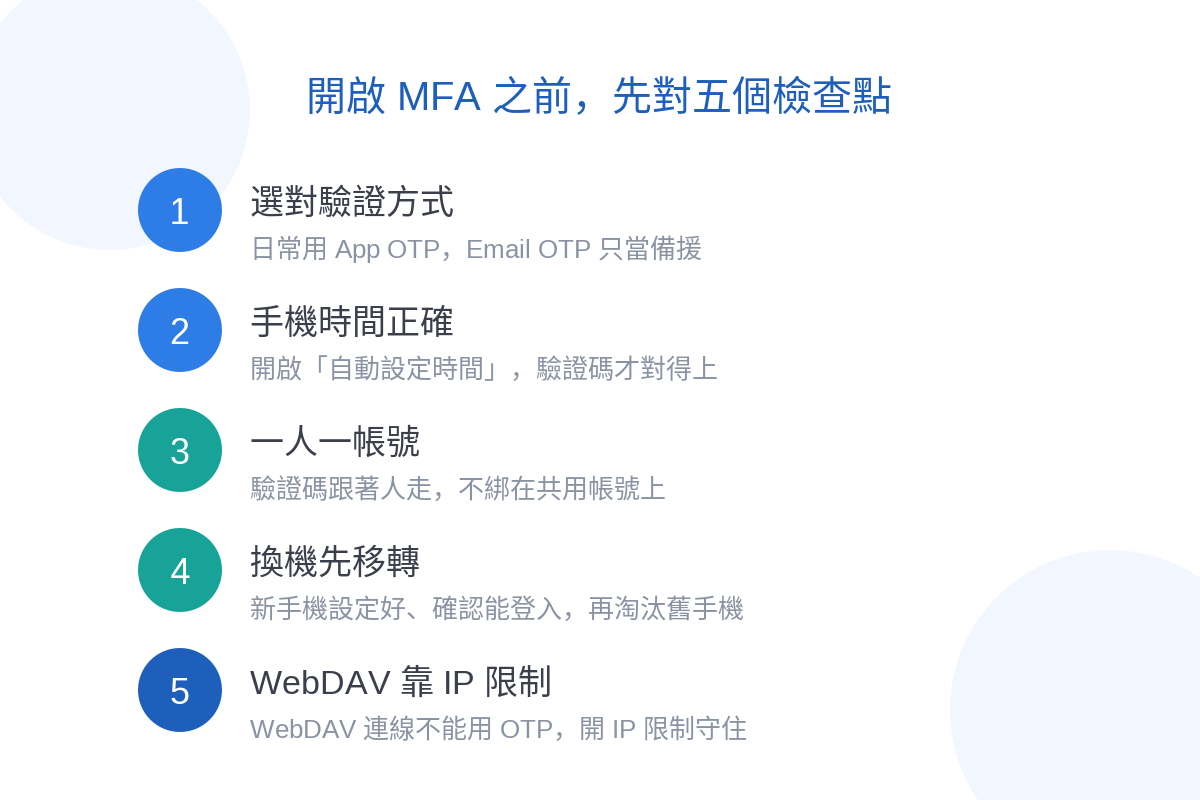
3. The verification code is bound to a shared account: whoever's phone receives it holds the whole company's keys. Enabling MFA on a shared account most often ends up like this: the code is bound to one colleague's phone — they take leave, travel, or leave the company, and nobody can log in. MFA should follow the person, not the account: one dedicated account each, each bound to their own phone. CloudFiles is annual-fee with unlimited users — dedicated accounts cost nothing extra, so there's no reason to share to save account money. What happens to shared accounts when an employee leaves, we covered in An employee has left — what happens to the files in the shared account? Is changing the password enough?
4. Didn't transfer before changing phones: set up on the new phone first, confirm login works, then retire the old one. The most common lockout script: the phone breaks, you get a new one, the old authenticator app vanishes with it — and only then do you discover the 6-digit codes needed to log in lived on that phone. Before changing phones, scan and set up on the new phone using the same steps, confirm the new phone's codes log in fine, then retire the old phone. If the phone is already lost or broken and codes can't be received, contact your administrator to handle the account. Verify right after setup — don't wait until the next login to find you're locked out.
5. Enabled MFA and assumed you're bulletproof: WebDAV connections can't use OTP. MFA guards the web login; when mounting the cloud as a drive via WebDAV, that connection cannot use OTP — it relies on the first line, IP restrictions, and strong passwords. Full setup steps are in WebDAV in practice. The real order is four defence lines each guarding a stretch: IP restrictions keep people outside the door, OTP verifies identity at login, transfer and storage are encrypted throughout, access logs are kept five years — covered in Japanese security incidents keep mounting: is it really safe to keep company files in the office?. Relieving yourself with just one line enabled is like fitting a new door lock and leaving the windows open.
We covered what MFA is in Security, part 2: what is MFA and why does cloud need it?; this article is about where hands-on setups get stuck. CloudFiles offers a one-month free trial, annual fee, unlimited users: during the trial, open dedicated accounts for every colleague, enable App OTP on each, walk through the five checkpoints above, confirm everyone can log in on their own and has a path when changing phones — then decide whether to roll it out formally.